Running Deepseek locally on MacOS

Ever since Deepseek dropped, it changed the game forever. Now you can download an open-source world-class AI model locally. Here's how to run it on your Mac.
Installation
Ollama
By far the simplest way to get started is to run it with ollama. It's an open-source cross-platform tool designed to run Large Language Models (LLMS) locally on your machine. It supports a large number of popular LLMS, essentially democratizing access to LLMS as a whole, offering a way to leverage AI capabilities without the need for cloud services, which can be both costly and potentially less secure for sensitive data.
Download the MacOS app
Head over to https://ollama.com/ and and click the "Download for macOS" button.
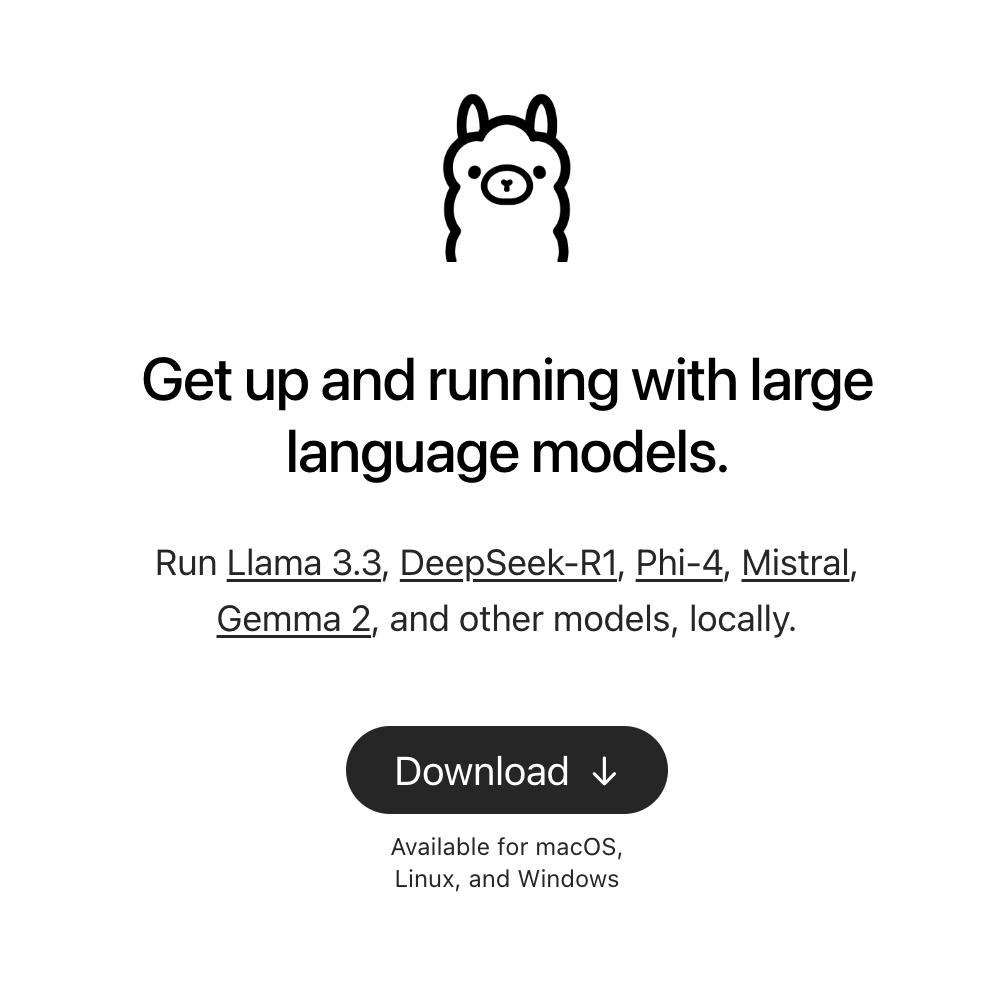
Alternatively, you can use homebrew to install it with the command brew install ollama. If you need to install it, you can view the instructions on their website.
Setup
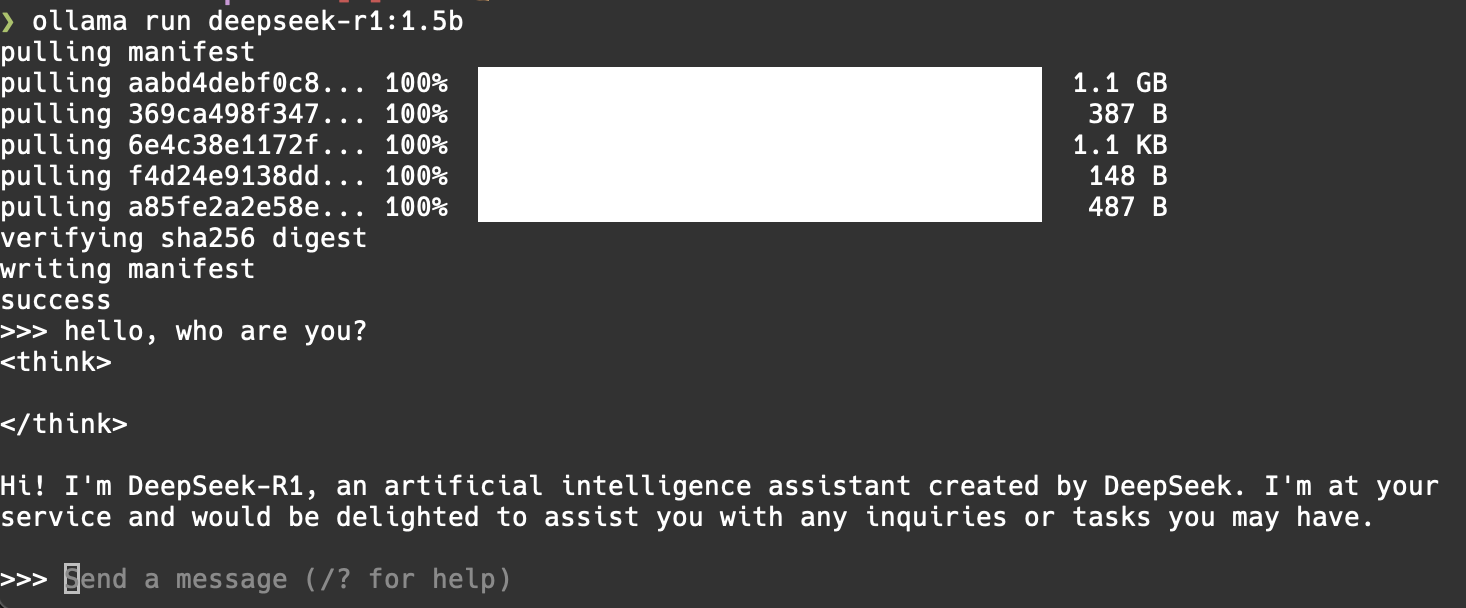
Follow the installation prompts and at the end, it will tell you to run
ollama run deepseek-r1:1.5b in your terminal.
Go ahead and do that. Now you are ready to chat! This is the smallest available Deepseek model. The other ones available are shown below. You can use the commands below at any time to run them.
DeepSeek-R1-Distill-Qwen-1.5B
ollama run deepseek-r1:1.5b
DeepSeek-R1-Distill-Qwen-7B
ollama run deepseek-r1:7b
DeepSeek-R1-Distill-Llama-8B
ollama run deepseek-r1:8b
DeepSeek-R1-Distill-Qwen-14B
ollama run deepseek-r1:14b
DeepSeek-R1-Distill-Qwen-32B
ollama run deepseek-r1:32b
DeepSeek-R1-Distill-Llama-70B
ollama run deepseek-r1:70b
Ollama requirements
Operating System: macOS 10.15 (Catalina) or later.
Processor: Intel Core i5 or Apple M1 chip.
RAM: At least 8 GB of RAM.
Disk Space: Minimum of 1 GB of free disk space for installation.
Deepseek requirements
All Apple Silicon Macs starting with M1 can run the smallest Deepseek model. By far the most important requirement to run Deepseek models is your GPU VRAM. Here is the graph of recommended VRAM per model. Macs have a huge advantage here as their GPU and CPU share unified RAM.
| Model | Parameters (B) | VRAM Requirement (GB) | ollama runCommand |
|---|---|---|---|
| DeepSeek-R1-Distill-Qwen-1.5B | 1.5 | ~0.7 | ollama run deepseek-r1:1.5b |
| DeepSeek-R1-Distill-Qwen-7B | 7 | ~3.3 | ollama run deepseek-r1:7b |
| DeepSeek-R1-Distill-Llama-8B | 8 | ~3.7 | ollama run deepseek-r1:8b |
| DeepSeek-R1-Distill-Qwen-14B | 14 | ~6.5 | ollama run deepseek-r1:14b |
| DeepSeek-R1-Distill-Qwen-32B | 32 | ~14.9 | ollama run deepseek-r1:32b |
| DeepSeek-R1-Distill-Llama-70B | 70 | ~32.7 | ollama run deepseek-r1:70b |
And for the full DeepSeek-R1: Deploying the full DeepSeek-R1 671B model requires a multi-GPU setup because a single GPU cannot handle its extensive VRAM needs. I.e., this will be impossible to run with a single mac. To fit the full DeepSeek-R1 model, you'll need 768GB of RAM.
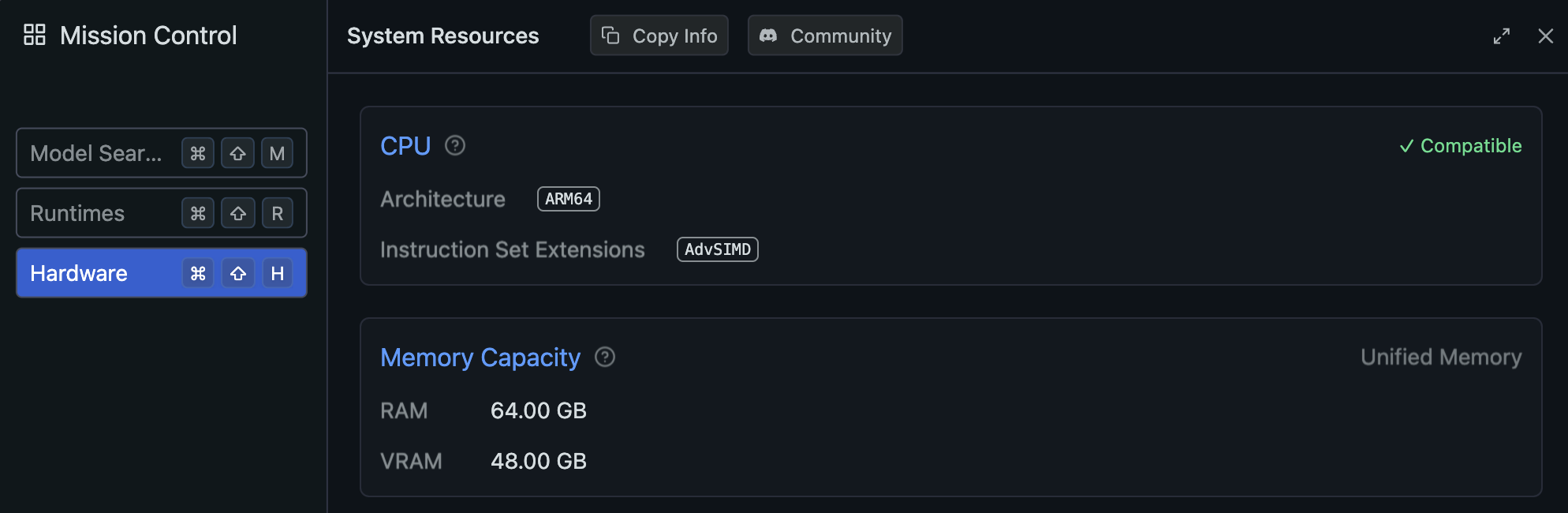
In LM Studio, on my M4 64GB RAM Mac, it's showing that I have 64GB RAM and 48GB of VRAM.
Alternatives
LM Studio (Graphical Interface for LLMs)
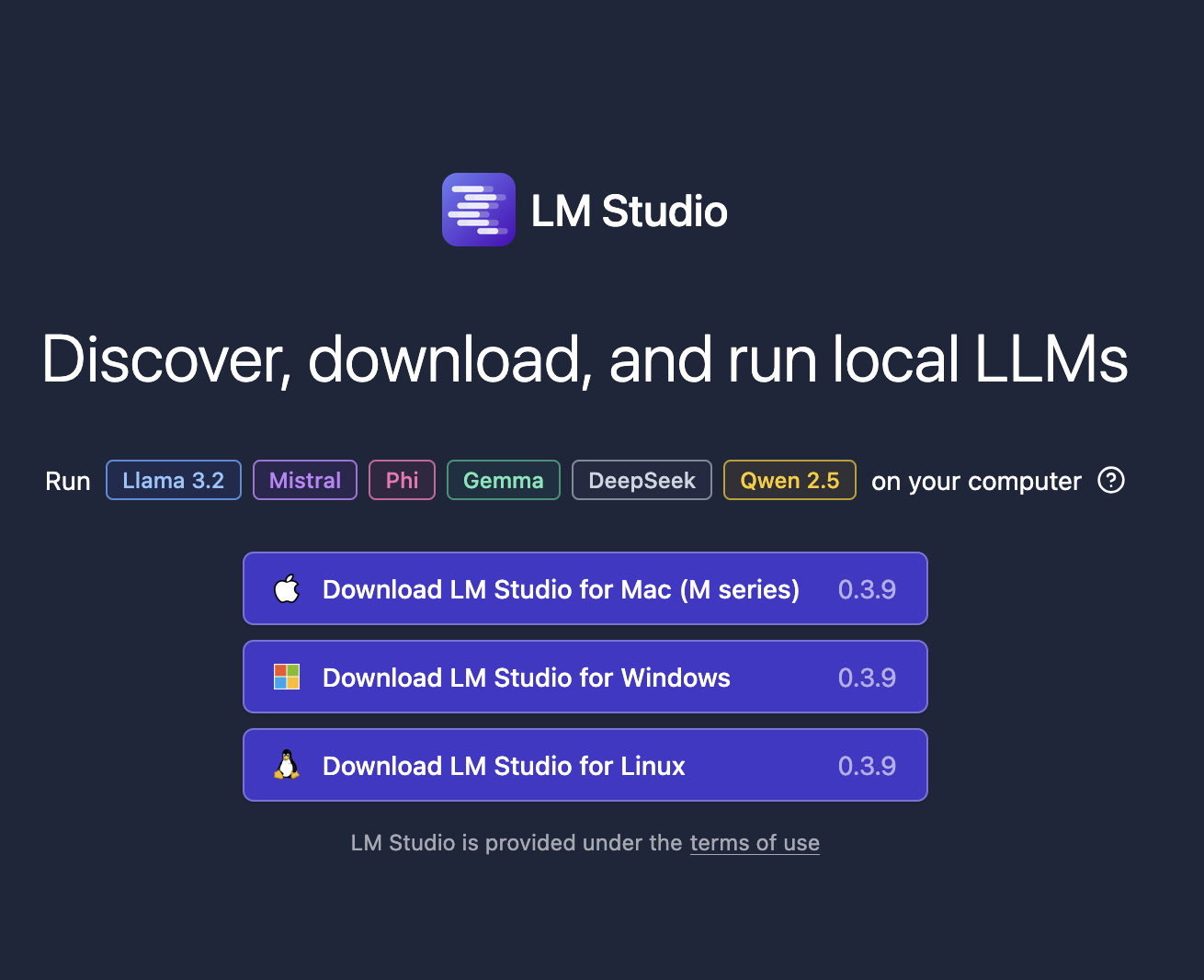
LM Studio is able to run Run LLMs on your Mac, entirely locally. Bonus: comes with a convenient GUI. So if you want something more graphical and point-and-click, this is the app to use.
Installation and Usage Guide:
- Download LM Studio: Visit LM Studio’s official website and download the macOS version. Install by dragging the app into the Applications folder.
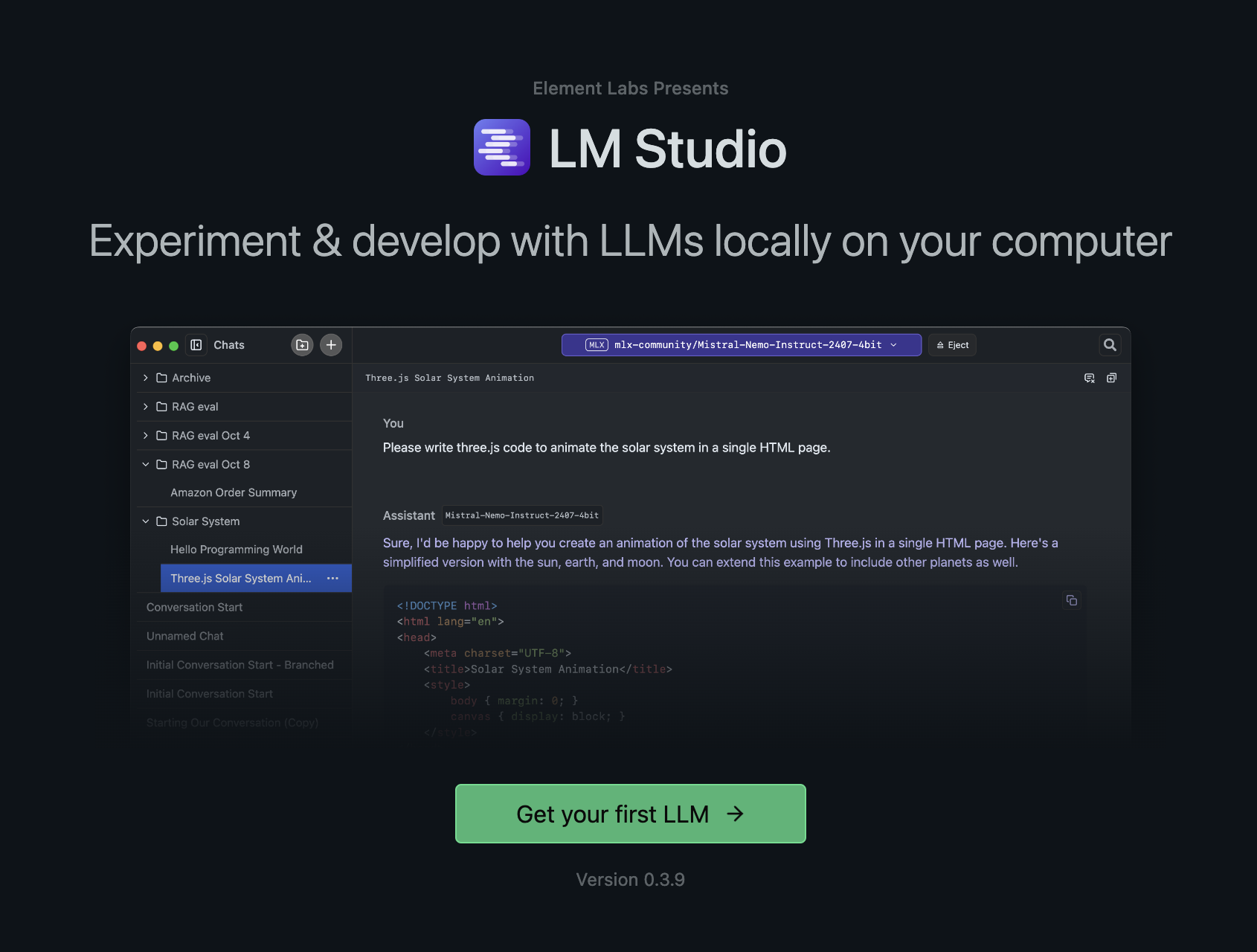
Click Get your first LLM to start! It's that easy. It will select Deepseek by default.
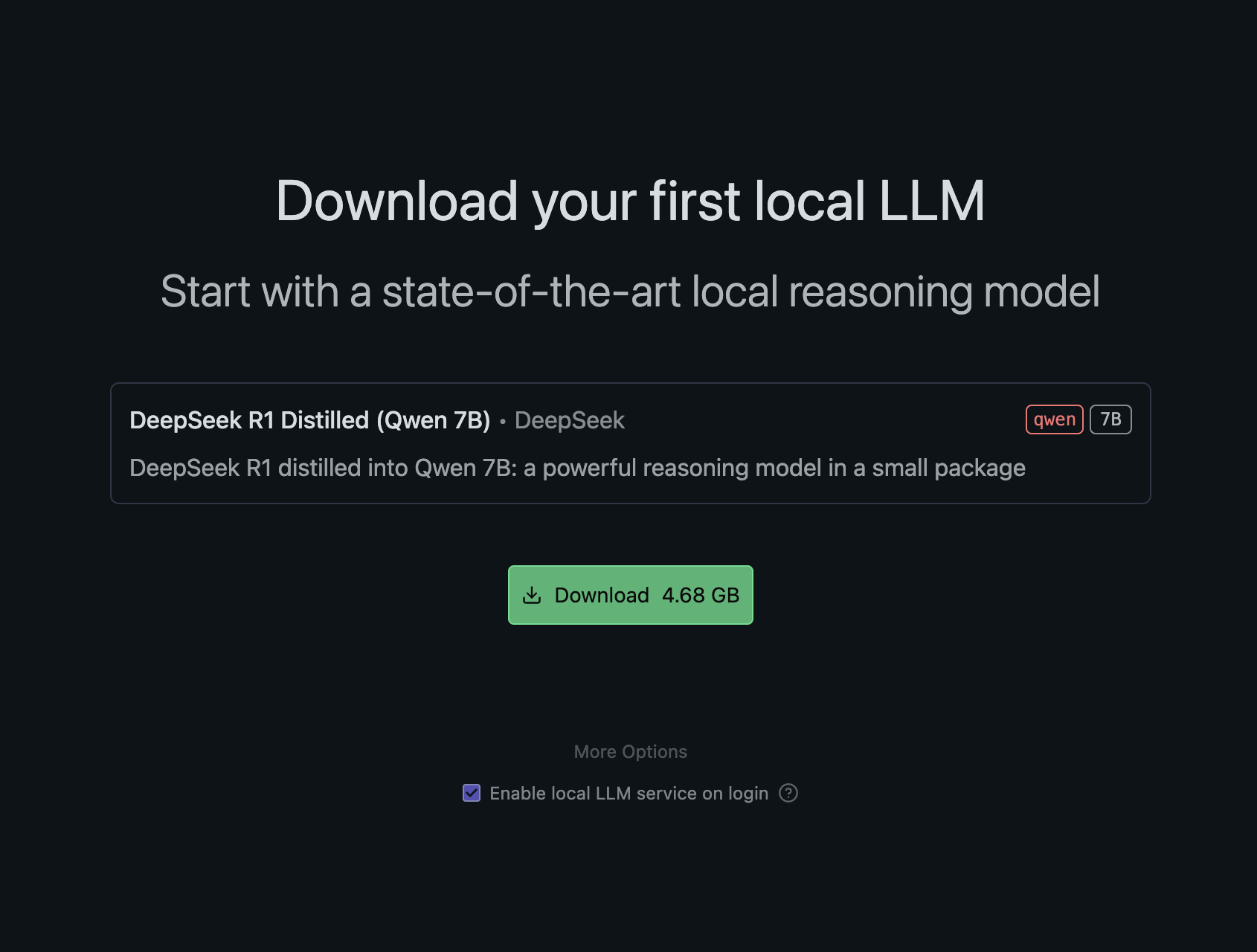
Download and Install Deepseek R1 Distilled (Qwen 7B)
Now all you need to do is click a button to load the model and start chatting.
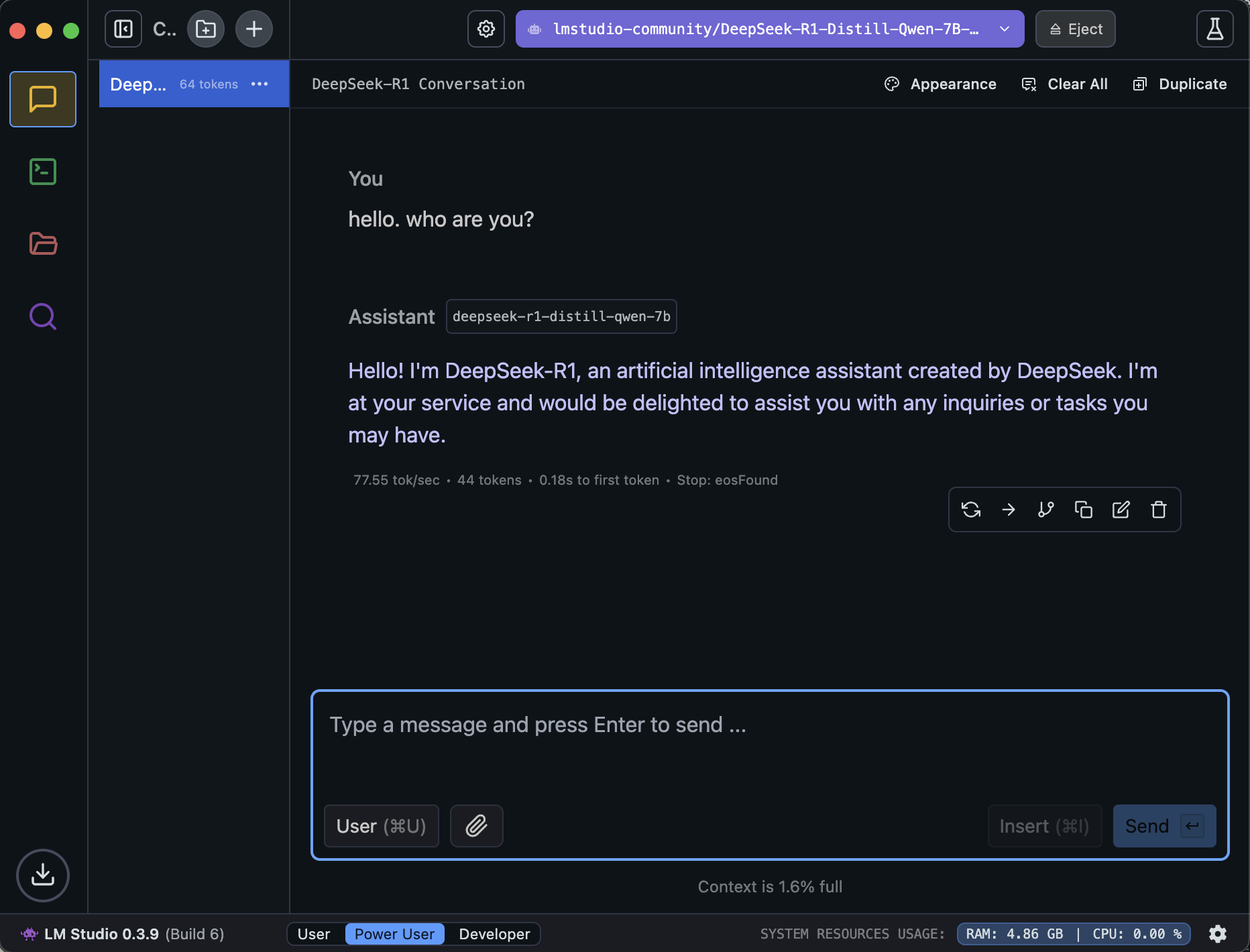
Chatting with Deepseek in LM Studio!
You can easily download and run new models in the search tab on the left such as Qwen2.5 7B Instruct 1M, Qwen2.5 Coder 14B, and Llama 3.2 1B.
There are a whole set of advanced settings that can be used to run the models more efficiently or better. I'll be researching these settings and released another article sometime later.
That's it!
Conclusion
It's extremely simple to get started with chatting with Deepseek via Ollama and LM Studio. It's completely free if you have the right hardware (basically any modern Mac).
I'm honestly blown away at how fast and easy anyone can get started with using local LLMs. Ollama, LM Studio, and Deepseek together is a complete game changer with various implications for the world.